Redesign climate controls for an SUV
Timeline
Feb - Jun 2022
Platform
Automotive HMI Platform
Role
Lead Product Designer
Team
1x product designers, 1x mechanical engineers, 1x product manager, 5x developers
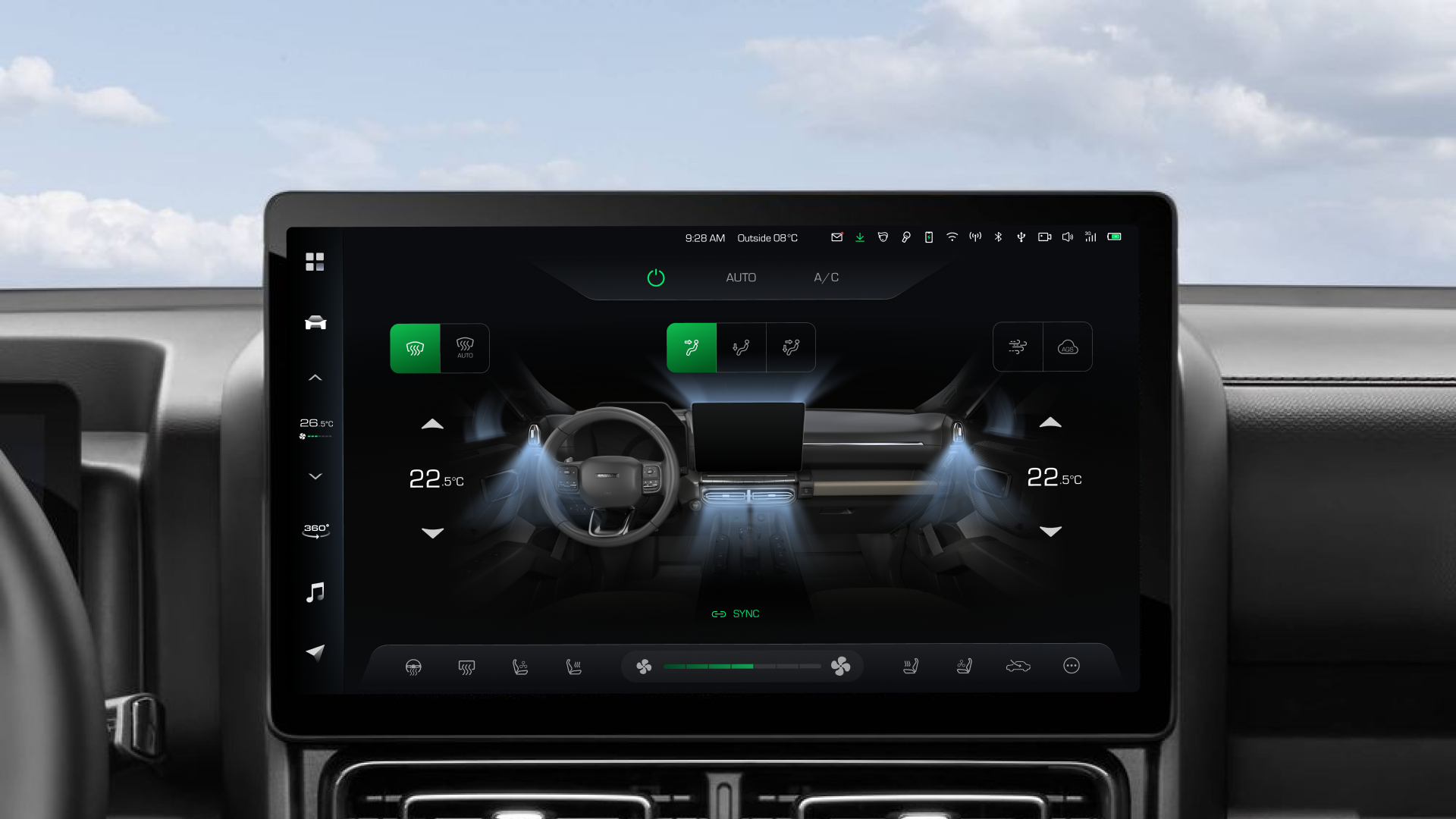
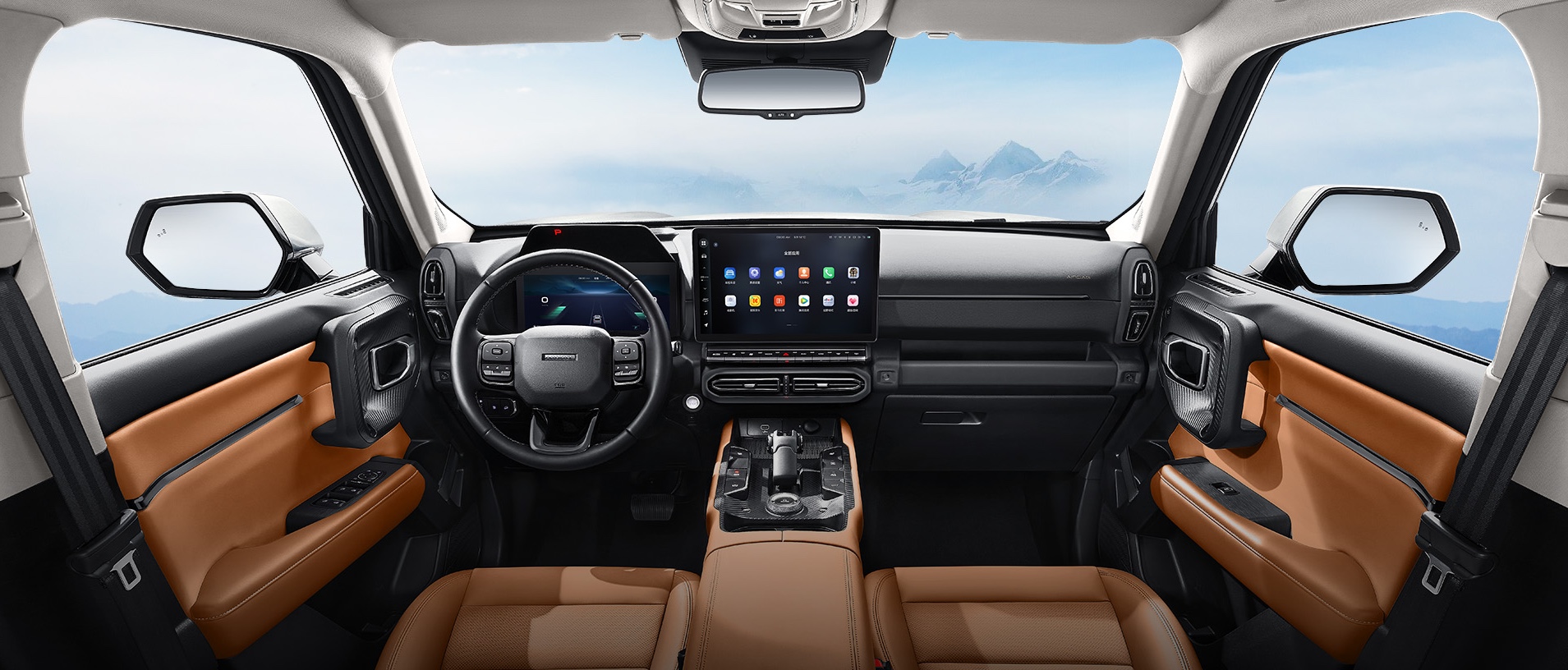
Haval Dargo II
Overview

$
2
4
2
0
1
3
5
5
2
4
4
6
4
2
4
1
3
4
0
.5
0
6
4
2
0
1
3
.5
0
B
Company's revenue
2
4
2
0
1
3
5
5
2
6
0
6
4
2
0
1
3
6
0
.1
0
6
4
2
0
1
3
.1
0
%
Revenue growth
Context
The timeline is tight, and some design solutions are suggested for reuse from the previous version. As the lead designer, I need to collaborate with the cross-functional team to make design decisions.
My Role

Ensured alignment with product guidelines and business objectives.
Collaborated with a cross-functional team to design and deliver the product.
Delivered design from end-to-end.
Conducted user research.
Oversaw user testing and lead iterative design improvements.
Timeline
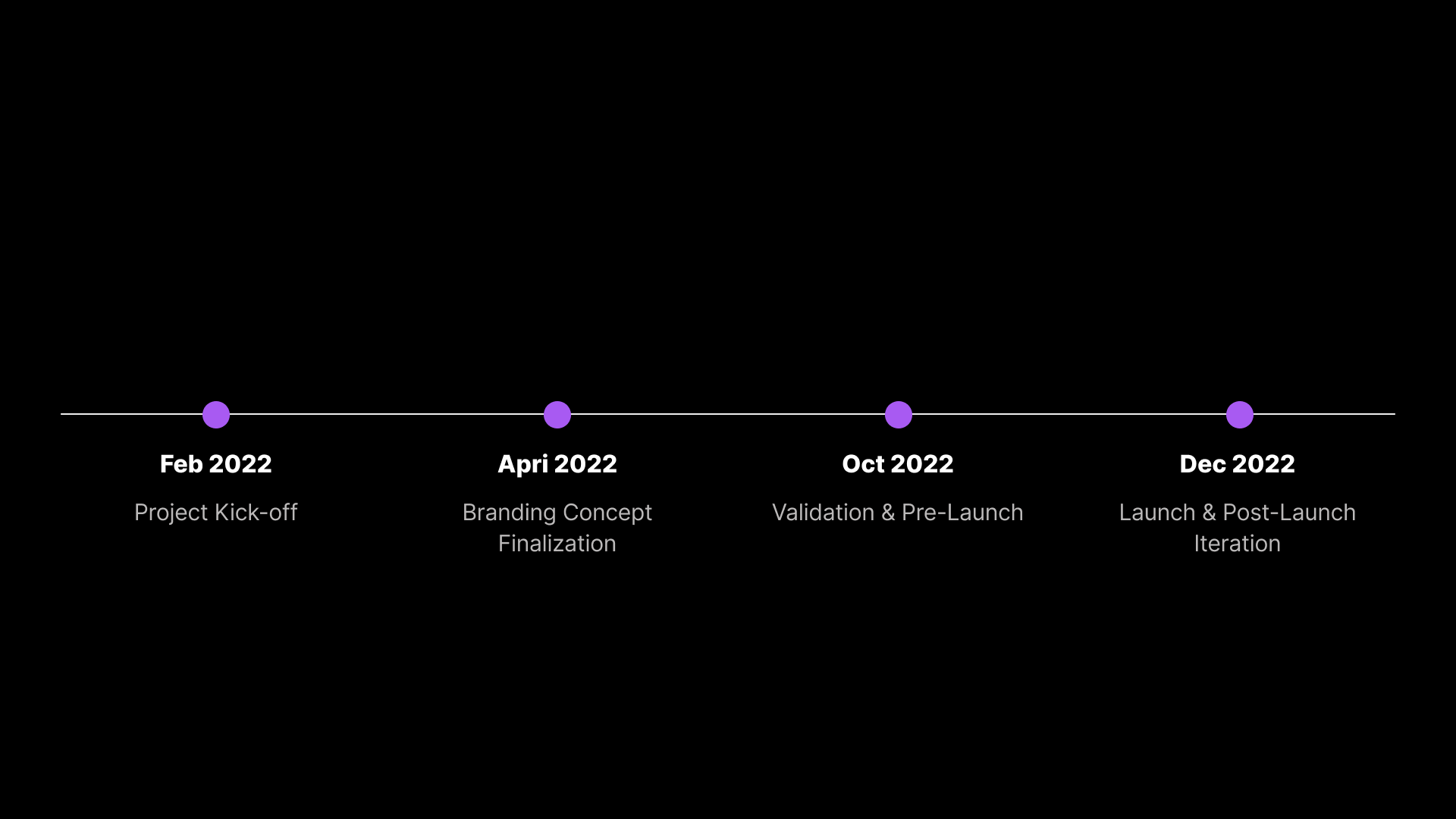
Project Overview
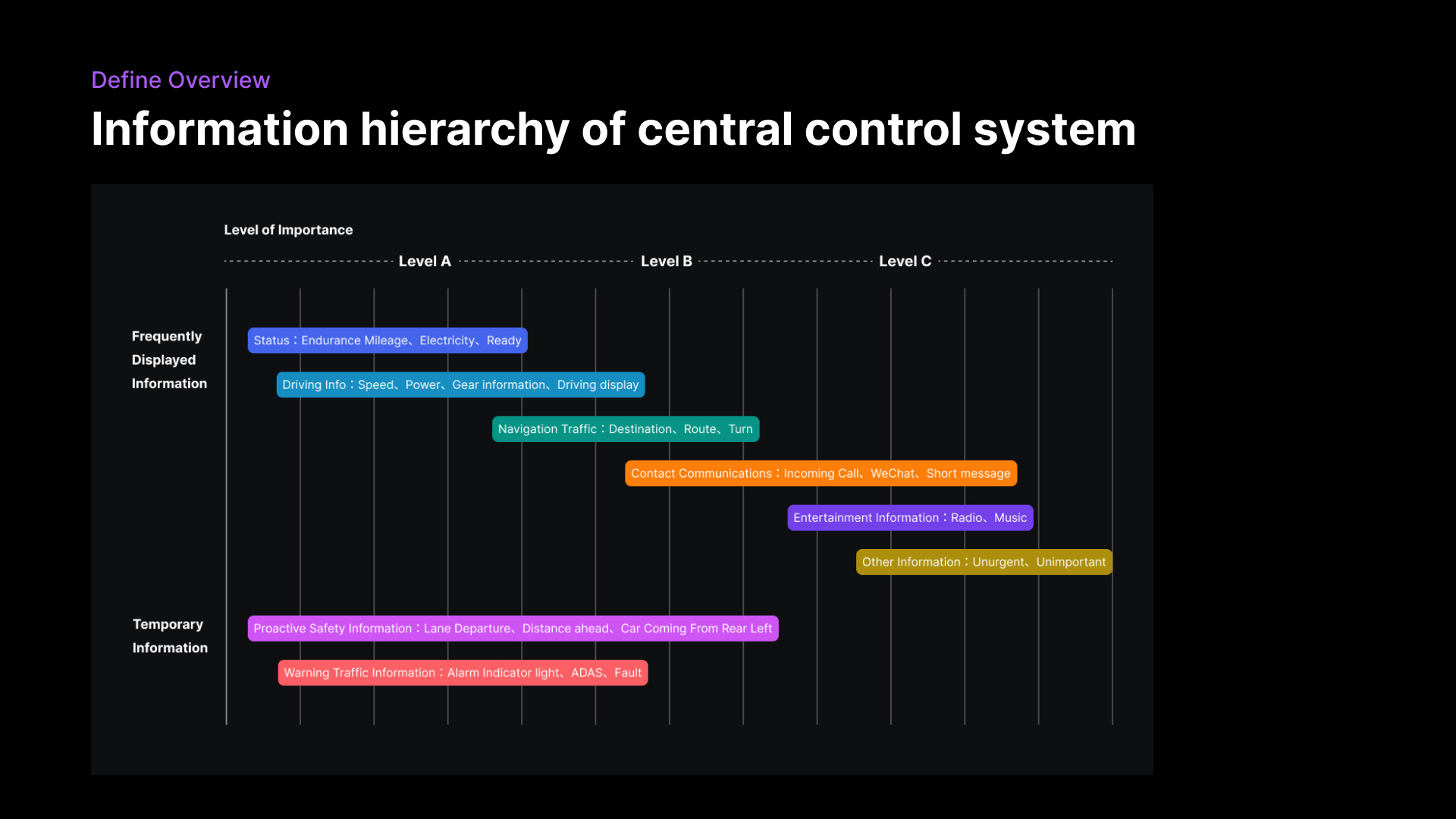
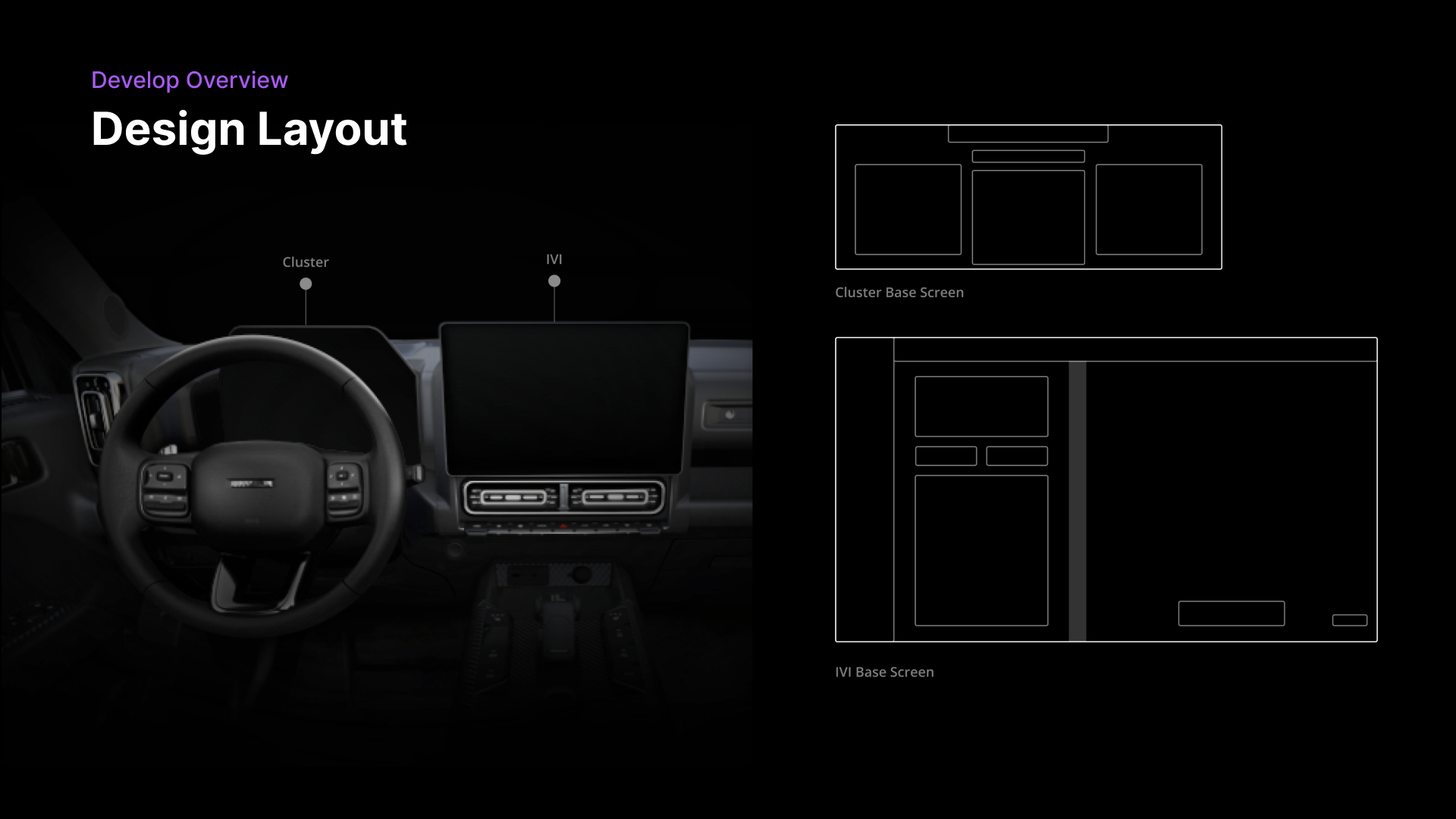
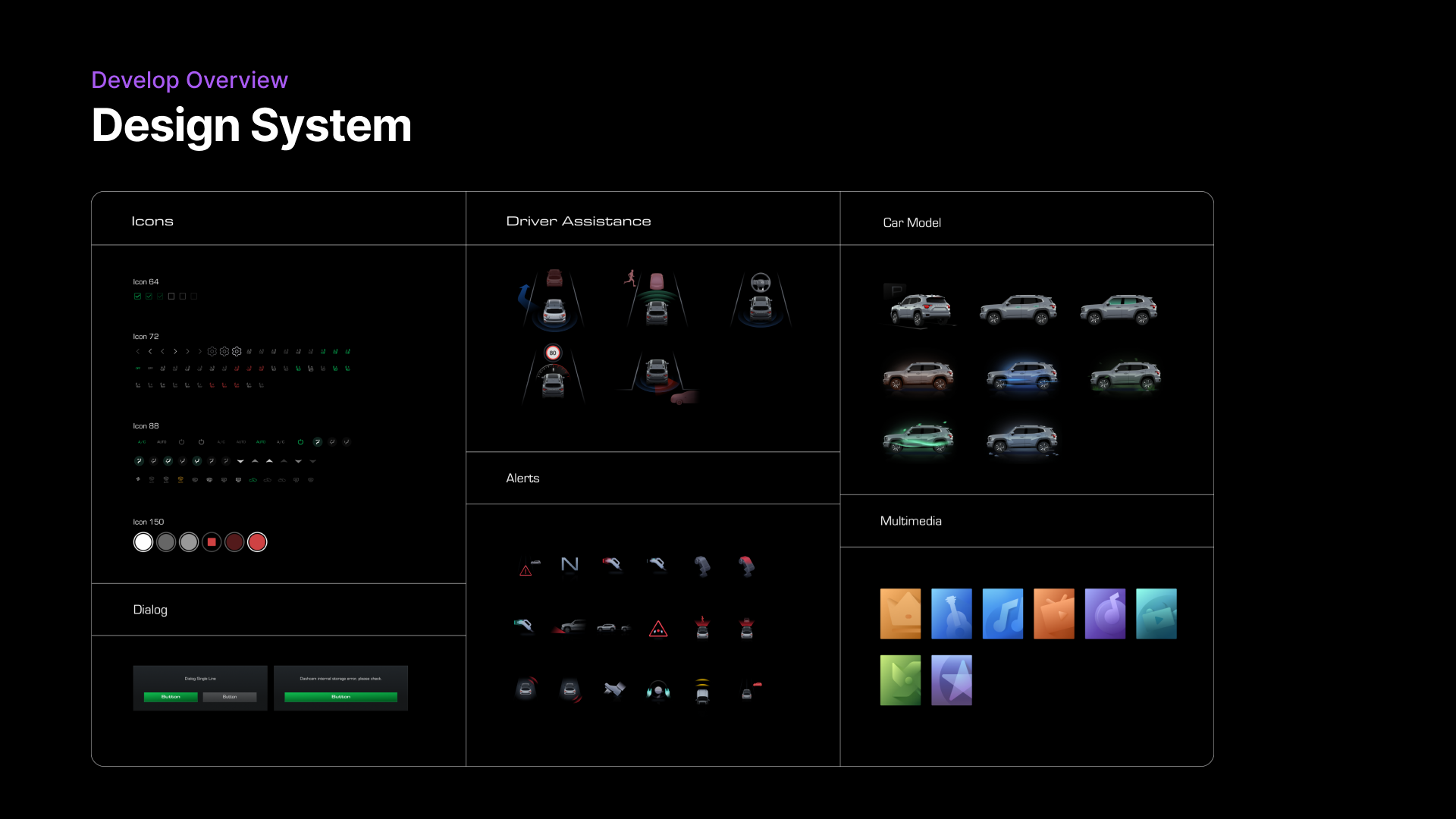


Diving into climate controls
The Problem
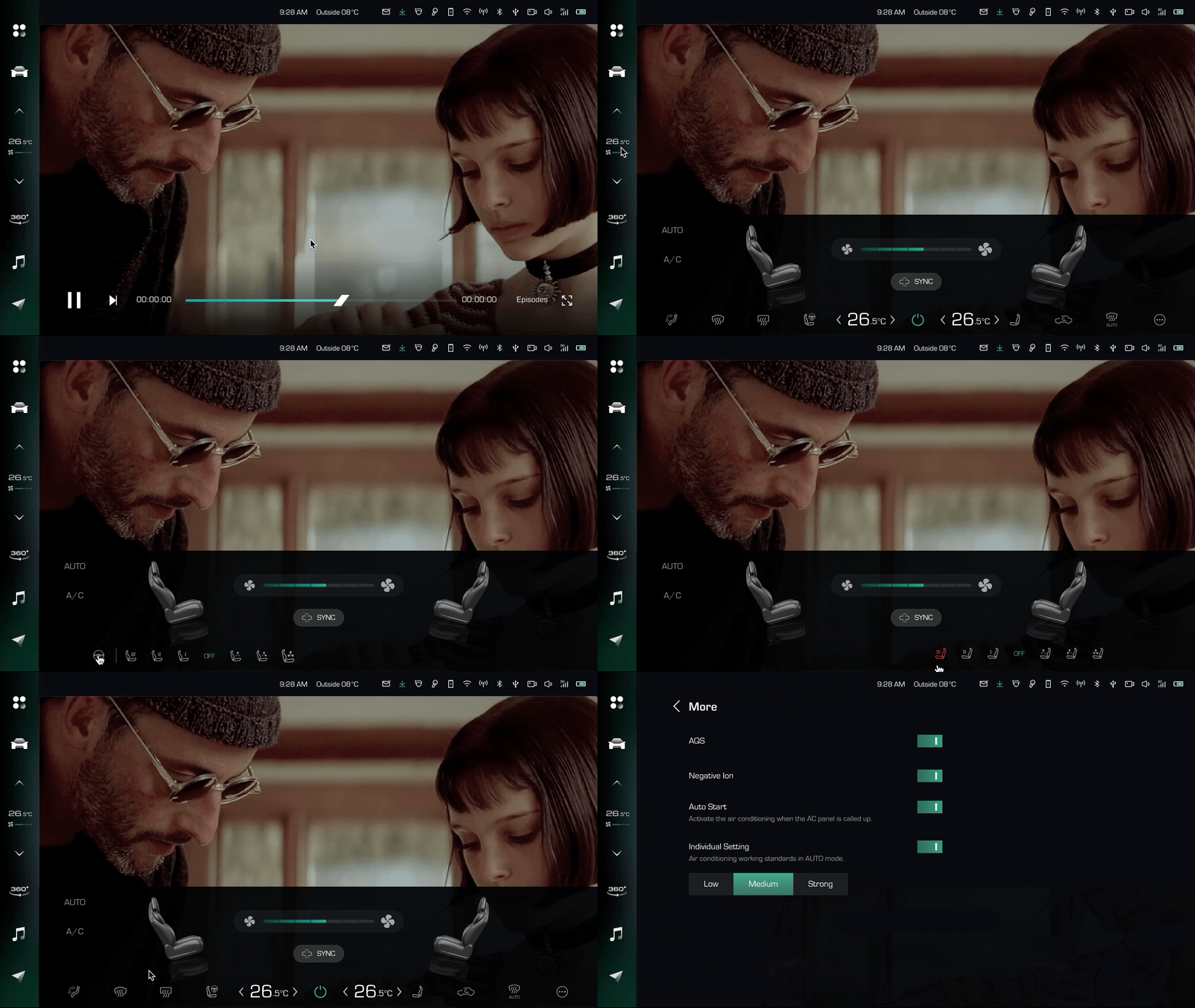
Business Goals
Redesign the HMI to provide a seamless user experience.
Encourage users to fully utilize climate control features by improving the system's intuitiveness.
Improve driver safety by designing a more intuitive interface that minimizes the need for complex interactions while driving.
Research
Research Overview
Users emphasize the need for controls to be easily accessible without diverting attention from the road.
Users require clear, intuitive visual cues for key features to reduce cognitive load.
Challenges
What’s the best screen size for climate control?
Our goal is to rethink the ideal screen size for climate control—ensuring it enhances user experience without compromising safety. By considering factors like readability, touch accuracy, placement within the HMI system, and integration with physical controls or multimodal inputs, we aim to create a seamless, driver-friendly experience.
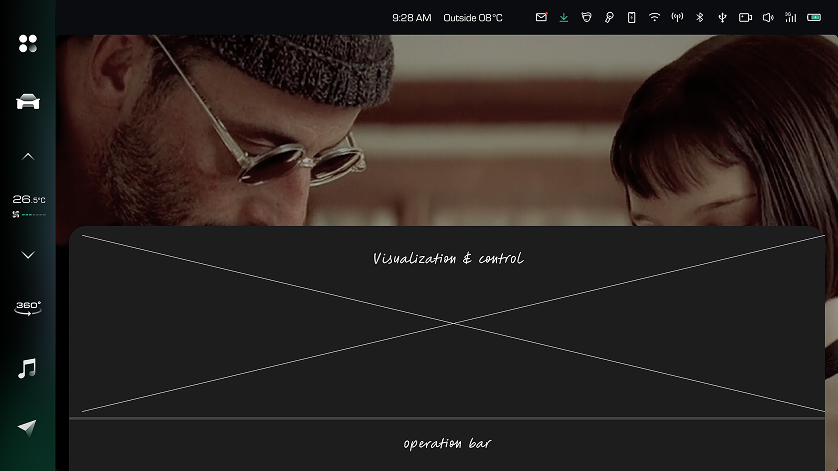
V1: Half screen
Less dev-effort with existing pop up.
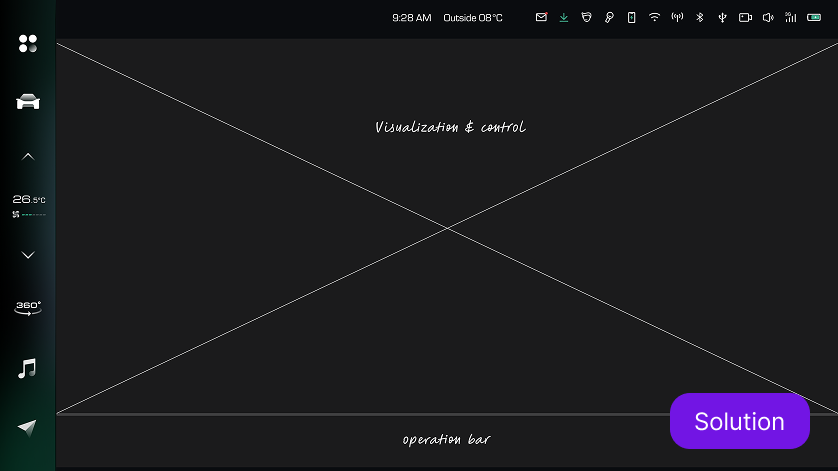
V2: Full screen
Full screen view to be more clear and safe.
Maximizing accessibility for key features.
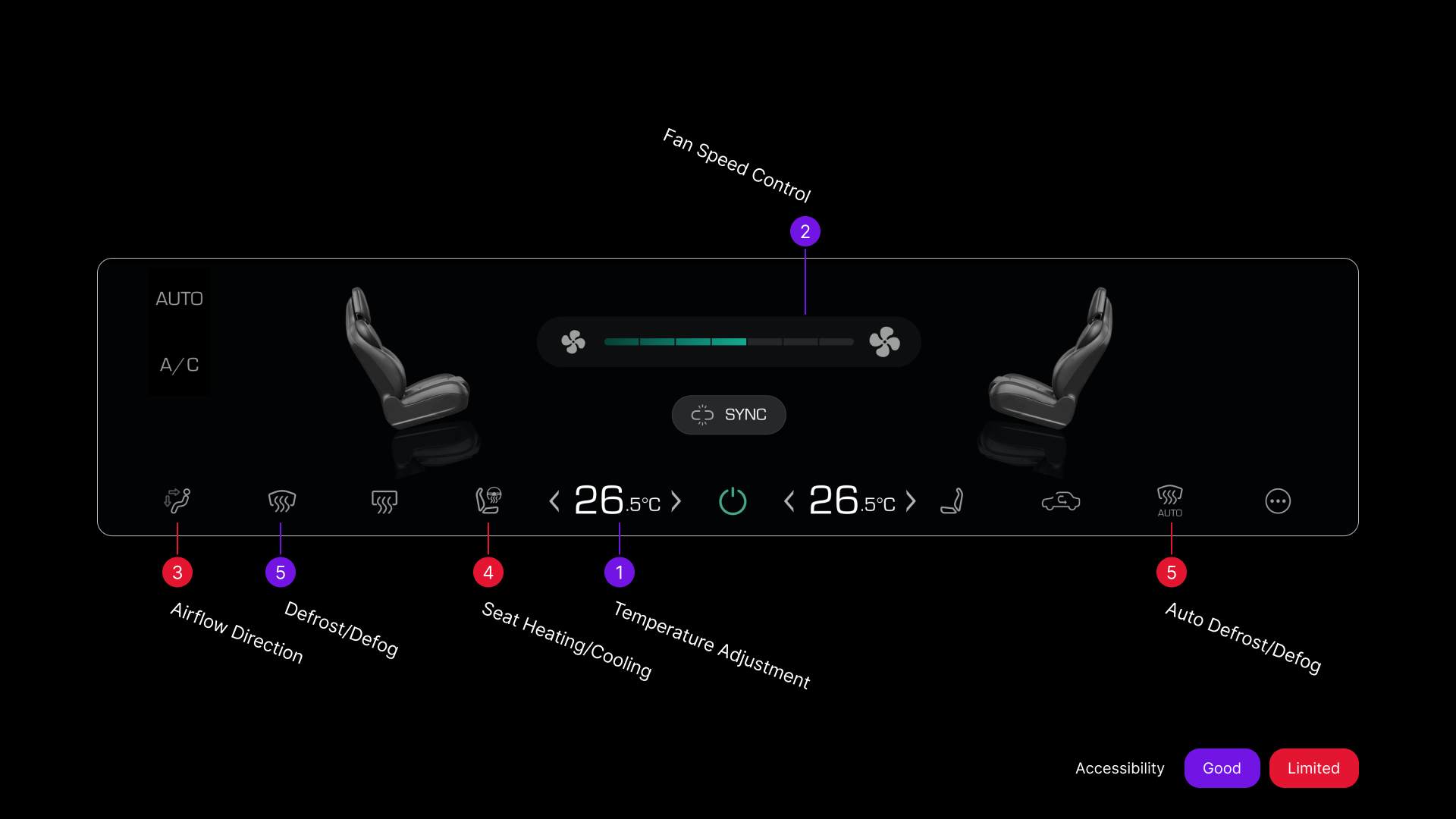
In a dynamic driving environment, quick and effortless access to the most commonly used climate control features is essential. If key functions are buried in menus or require multiple interactions, they can become inconvenient and distracting.
Before
Key features are not placed in prominent positions.
Low-fi Exploration
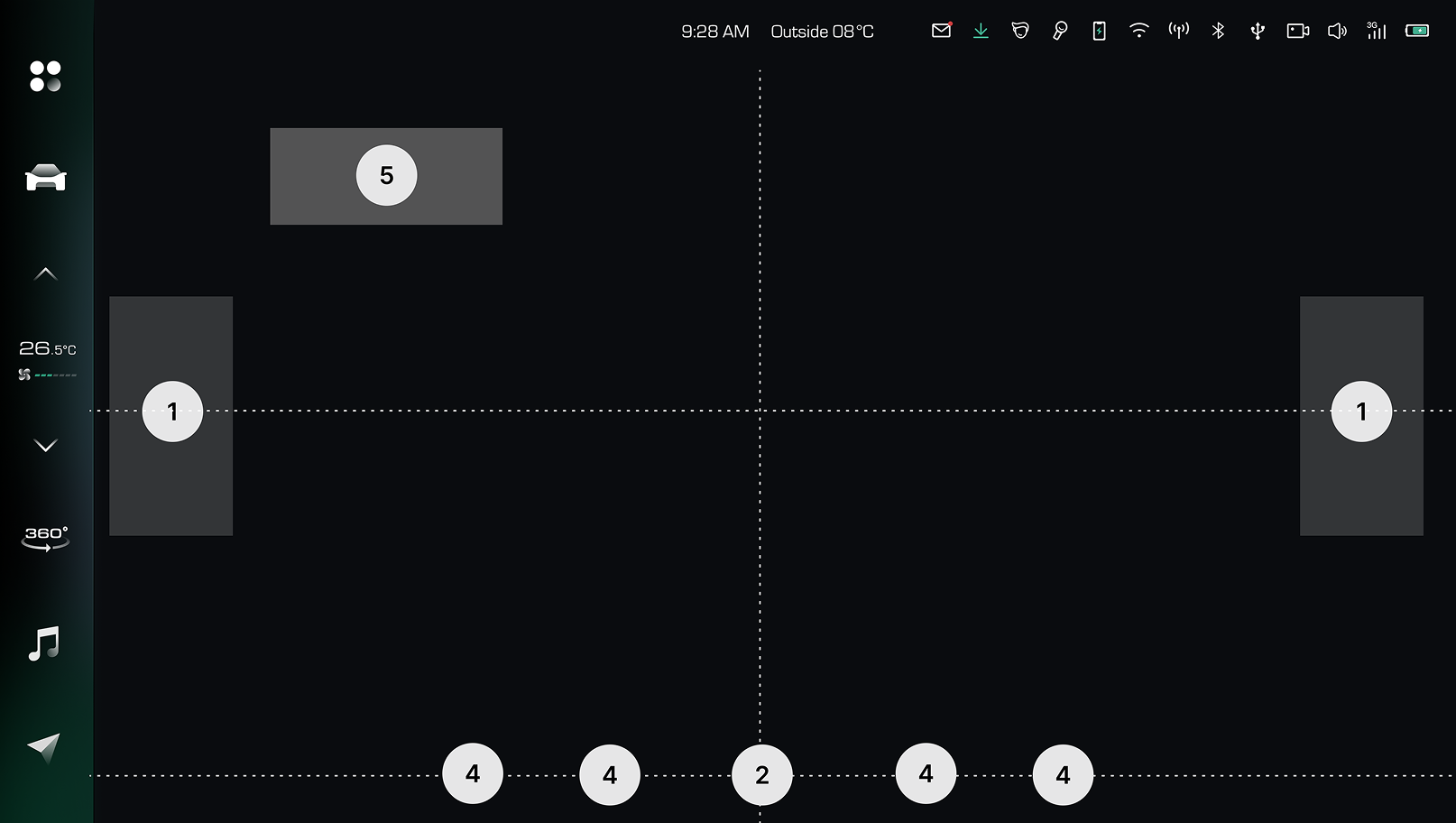
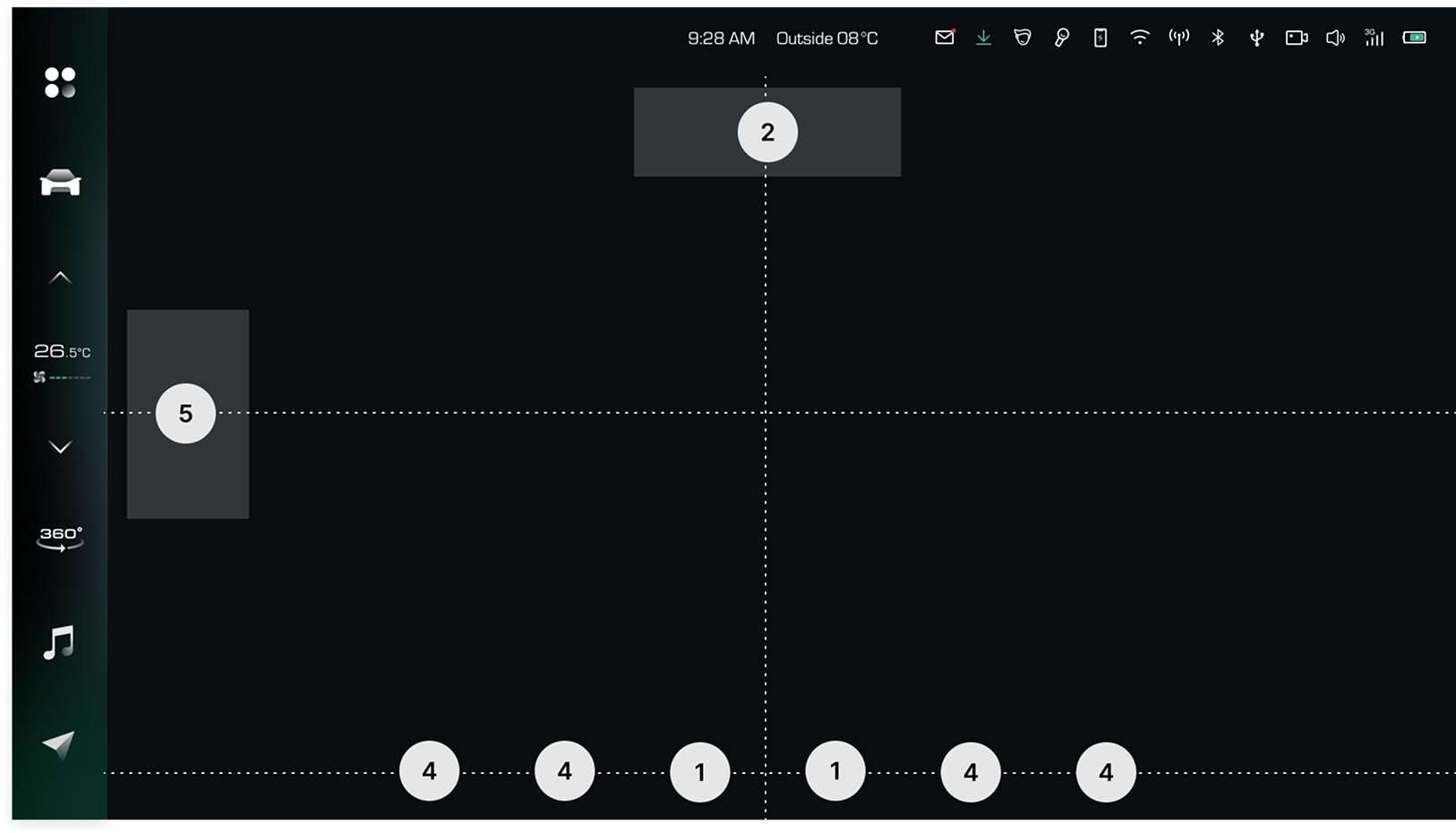
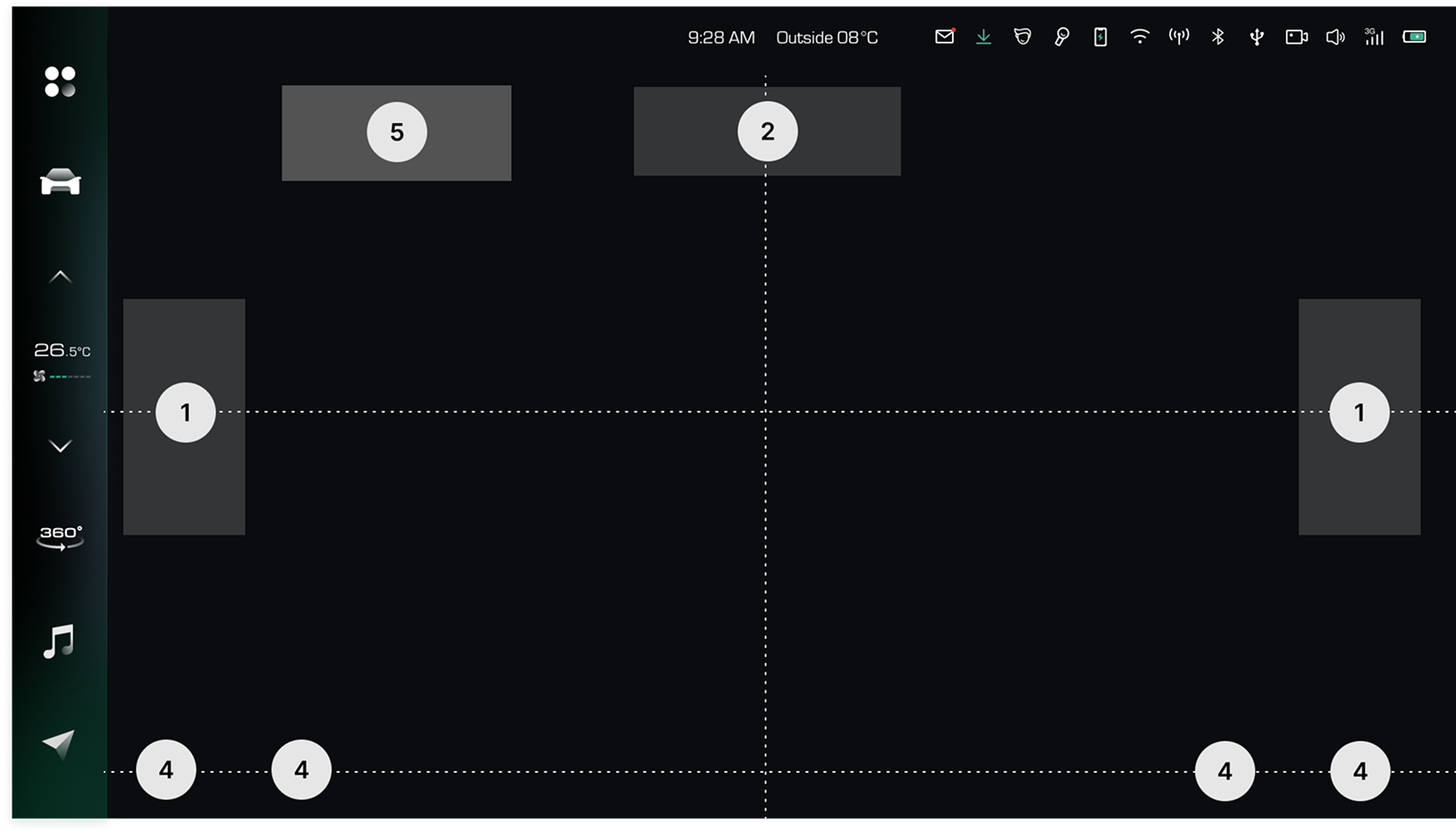
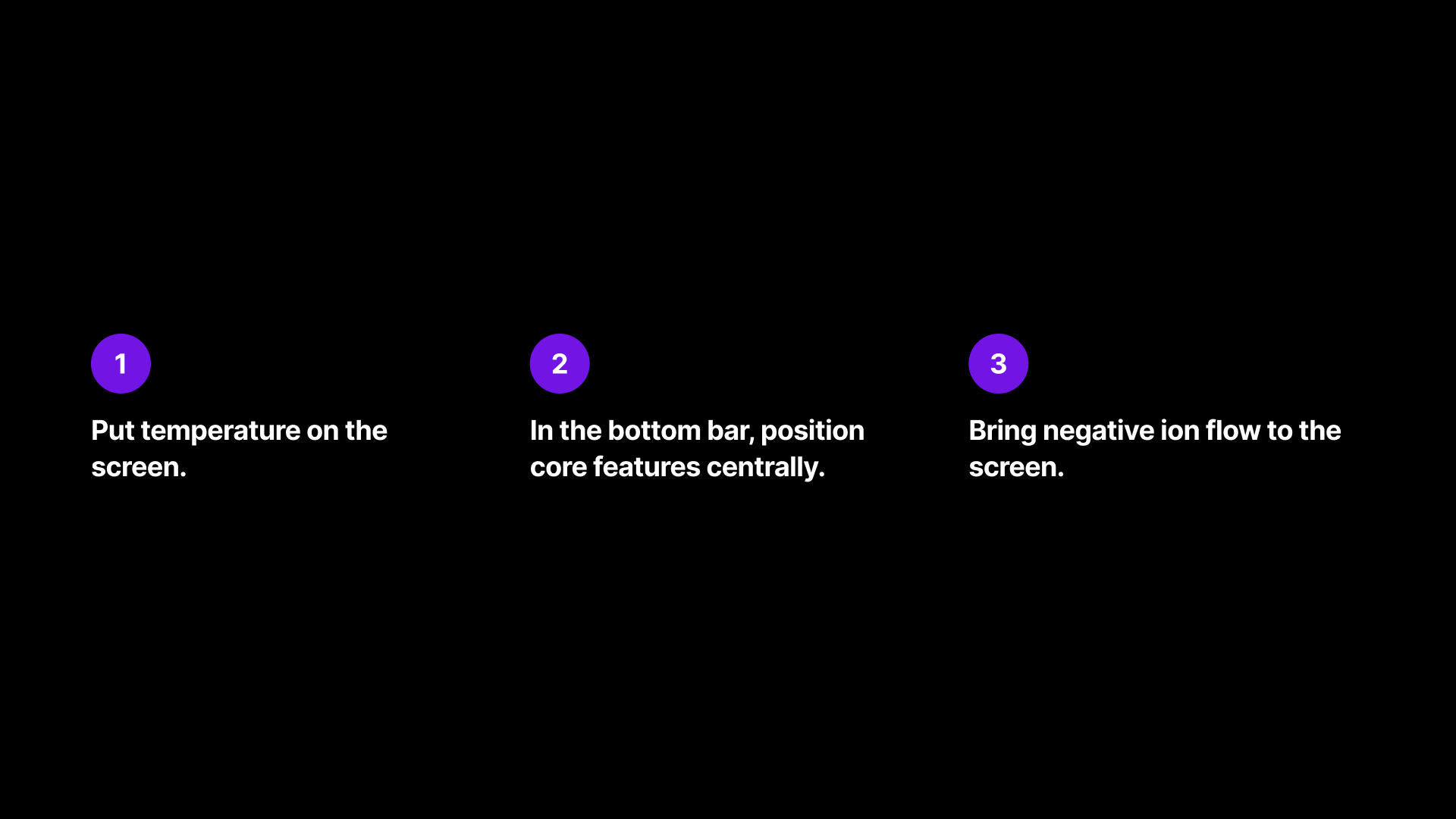
Placing the core features along the central axis draws immediate attention
V1: Temperature on the side
V2: Temperature in the middle bottom
V3: Everything on the sides
Feedback
Feedback from design peers and users
Final Choice
Option 1: Temperature on the side
Solution
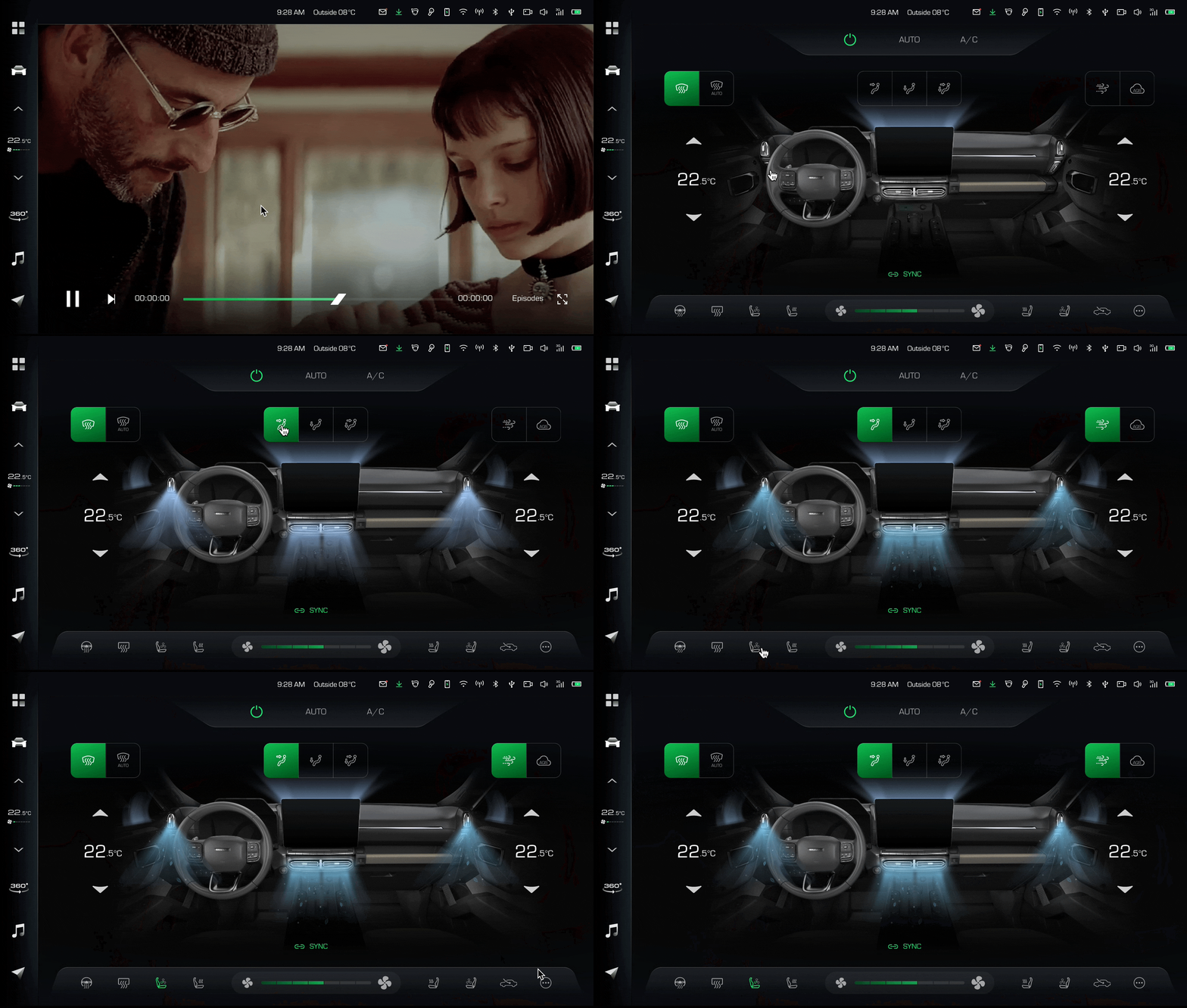
Climate control in a one-layer interactive screen.
Success Metrics
2
4
2
0
1
3
5
5
2
X
Average climate adjustment time
3
4
2
0
1
3
5
5
2
6
0
6
4
2
0
1
3
0
0
%
Less customer support requests
3
4
3
0
1
3
5
5
3
3
.3
2
4
5
.3
1
.5
.3
.4
X
Advanced feature adoption
Reflections
Rethinking HMI: Your Car as a Smart Digital Companion
Safety is everything. Consider safety at every moment of the experience you are designing. Ensure high readability (contrast + dimensions + font) and use pictograms rather than images. Try new ways of receiving information with senses beyond sight, such as sound and haptic input, which are easier to process in complex situations.
Learning by watching people engage with the interface. Early prototype testing and close collaboration with the development team ensured alignment and feasibility. Keep an open mind, and remember the space is dynamic. With new features emerging regularly, the project highlighted that UX improvement is an ongoing process rather than a final destination.
Designing the HMI in a way that is inspired by the vehicle so in-car interfaces feel organic and the entire driving experience seems holistic.